Running Claude Code on Your Own GPU
I built a proxy to route Claude Code through a local Ollama model and cut API costs. Here is what broke, what held up, and the honest verdict on whether it is worth doing.
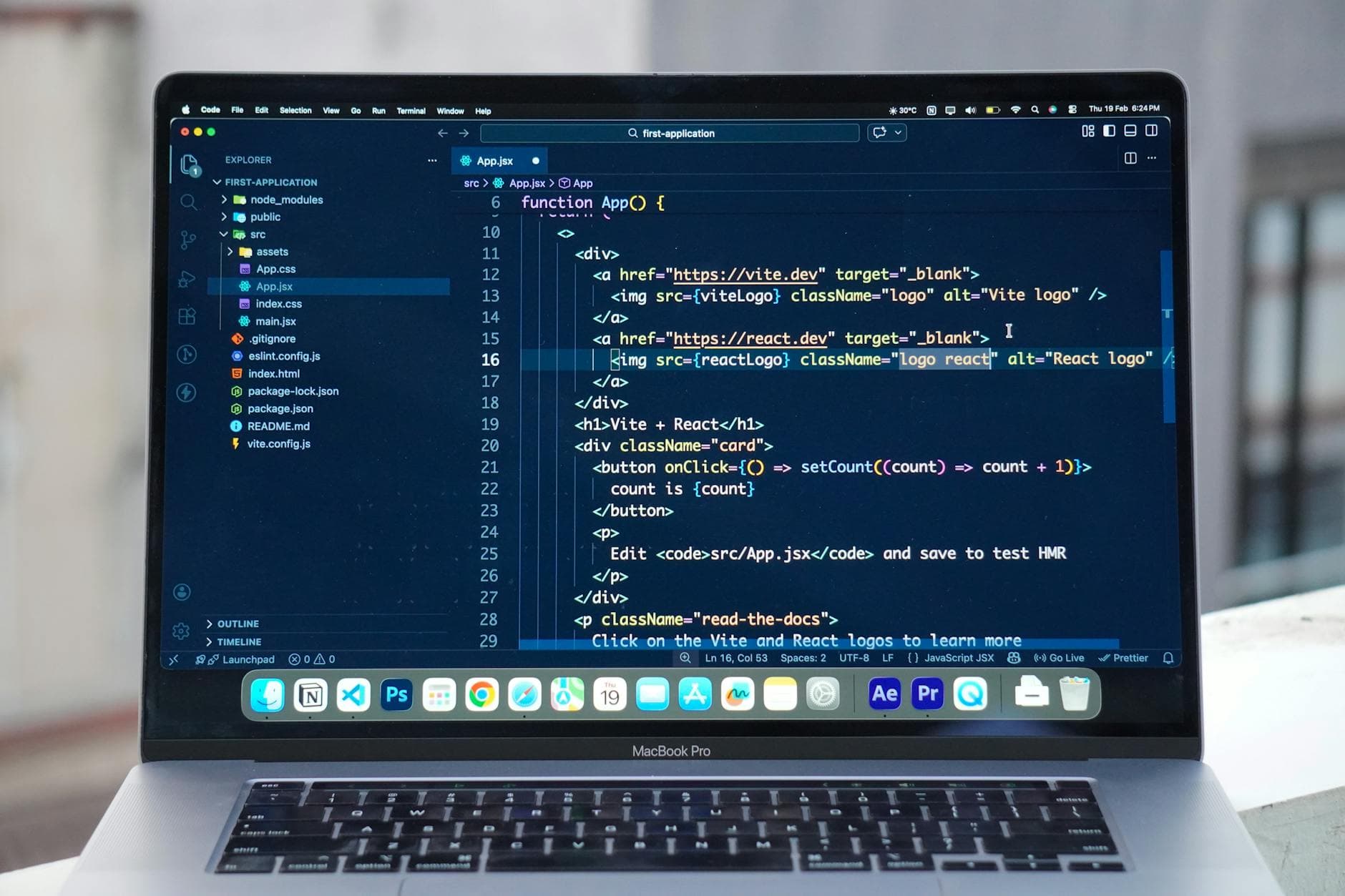
My Claude API bill had been creeping up for months, and most of that spend came from Claude Code. I use it constantly while building this platform: reading files, editing code, running shell commands, the usual. Two metres away from my desk sits a workstation with an RTX 5080 and 16GB of VRAM running Ollama, doing nothing during the day while Claude Code happily burns tokens.
That made the idea feel obvious. Could I point Claude Code at the local model instead? I built a proxy to find out. The answer was more useful than a simple yes or no.
The Translation Layer
Claude Code speaks the Anthropic Messages API. Ollama speaks the OpenAI Chat Completions API. Those two formats are close enough to tease you and different enough to break everything if you just wire them together.
The fix was a small Node.js server on localhost. It accepts Anthropic-formatted requests, translates them into OpenAI-style requests for Ollama, then converts the response back so Claude Code thinks it is still talking to Anthropic. The proxy stays invisible. Claude Code never knows the difference.
The core of it is just two translation functions. One maps Anthropic tool definitions into OpenAI function-calling format:
function anthropicToolsToOpenAI(tools) {
 return tools.map(tool => ({
 type: 'function',
 function: {
 name: tool.name,
 description: tool.description,
 parameters: tool.input_schema
 }
 }));
}
The other maps OpenAI tool_calls back into Anthropic tool_use blocks:
function openAIToolCallsToAnthropic(toolCalls) {
 return toolCalls.map(tc => ({
 type: 'tool_use',
 id: tc.id,
 name: tc.function.name,
 input: JSON.parse(tc.function.arguments)
 }));
}
Streaming is a bit messier because you have to buffer delta chunks and emit Anthropic-style SSE events, but that is mostly plumbing. The important part is the translation. I also logged every request with model name, tool count, and response time, which made debugging much easier whenever something broke.
There is one thing worth knowing before you start: Claude Code injects a massive system prompt into every session. We are talking thousands of tokens of instructions about how to code, how to use tools, how to behave. That means even a fast local model can feel weirdly slow on the first response of a new session. That delay is not the proxy and it is not your hardware. It is the context load.
What Worked
On a MacBook, qwen3:latest in the 8B range was slow but usable. Simple tasks came back in 20 to 30 seconds, and it handled the Read and Glob tools correctly. The tool calling was not flawless, but it was good enough for read-heavy work like summarising a file or checking a config.
That was the first encouraging sign. For lightweight tasks, the setup actually saved me money and was usable enough to matter.
Remote access through a Cloudflare tunnel was a different story, but not a total dead end. On the RTX 5080, qwen3:14b could generate around 50 tokens per second and produce solid answers. The catch was thinking mode.
The Thinking Problem
Qwen3 is a reasoning model, so it silently spends time thinking before it responds. On complex prompts, that can take 30 to 120 seconds. My Cloudflare tunnel times out after 60 seconds, which means the request can fail while the model is still thinking. From the outside, it just looks broken.
The obvious fix is to disable thinking. Ollama supports this with /no_think in the system prompt or think: false in its options. Getting that flag through the OpenAI compatibility layer reliably turned out to be trickier than expected. The top-level think field was ignored. The options block got stripped by the shim.
The only reliable route was to inject /no_think directly into the system message before forwarding the request:
if (systemMessage) {
 systemMessage.content = '/no_think\n\n' + systemMessage.content;
} else {
 messages.unshift({ role: 'system', content: '/no_think' });
}
That helped with the timeout problem, but even then qwen3:14b on the remote path was inconsistent for file editing. Reading files worked. Writing them back was another matter.
The Model Behavior Problem
This turned out to be the harder lesson. The proxy can translate formats, but it cannot make a model use tools if the model has been trained not to.
devstral:24b, which is marketed as a purpose-built agentic model, consistently responded with some version of “I cannot access files” even when the tool definitions were included correctly. The request was not malformed. The model simply ignored the tools.
qwen2.5-coder:14b was more mixed. Sometimes it worked. Sometimes it emitted the tool call as plain JSON in the content text field instead of the structured tool_calls array. I added a rescue parser in the proxy to catch that case and extract the call anyway. That helped, but it only fixes sloppy formatting. It does nothing for a model that refuses to use tools at all.
There is also an Ollama-specific trap that is easy to miss. Tool definitions are injected into the prompt using a model template. If the Modelfile does not include {{ .Tools }}, the model never receives the tool definitions in the first place. It silently gets a request with no tools and naturally never calls any. No error, no warning, just nothing. That one detail explains a lot of mysterious failures.
The practical lesson is that model size and marketing labels are weak predictors of tool use quality. devstral:24b, despite being built for agent tasks, was worse than qwen3:8b at actually calling tools in this setup. Bigger was not better either. Running qwen2.5:32b with partial VRAM offload, where layers spilled into system RAM, made it slower than qwen2.5:7b on most tasks. If the model does not fit cleanly in GPU memory, the extra size can hurt more than it helps.
The Honest Verdict
This setup is genuinely useful for one thing: quick, read-heavy work where a 20 to 30 second response is acceptable. File summaries. Config checks. Simple lookups. In that lane, the proxy works and it does save real money over time.
It is not good for serious coding sessions on a production codebase. Multi-step file edits. Reliable write-back operations. Long tool chains. For that, the real Anthropic API is still the only thing I trust consistently.
The bottleneck is not the proxy architecture. The translation layer is solid. The bottleneck is the gap between a model knowing that tools exist and a model reliably deciding to use them across a full coding session. That is a training problem, not a plumbing problem.
The models are improving quickly, and I would expect this answer to change in six months. For now, the right move is simple. Build the proxy if you want to learn the protocol and cut costs on light tasks. Use the real API if you want to get serious work done.